
Cash drawers
Review drawer openings and closings, their movements and any cash difference.
Updated on November 2, 2026
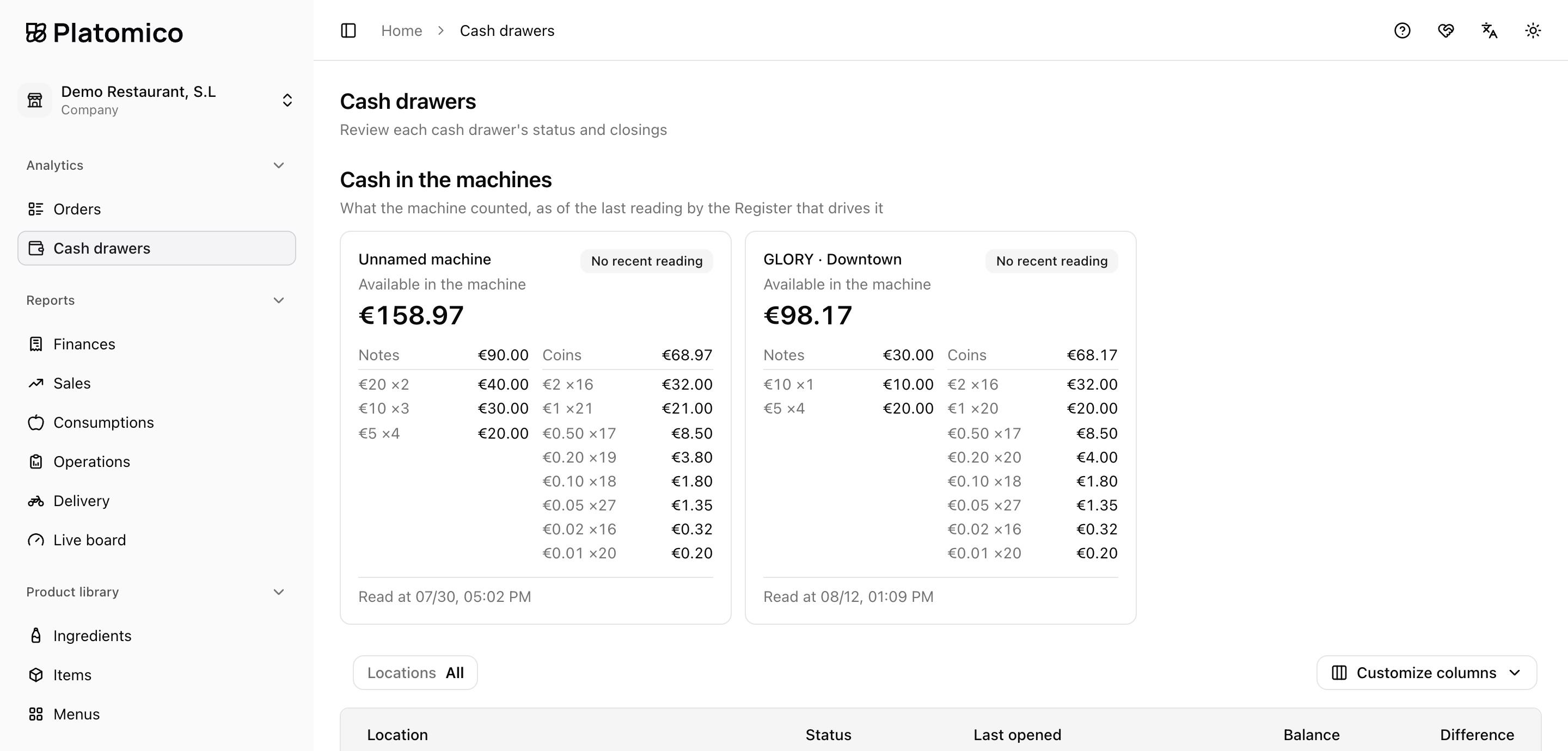
Reviewing cash drawers
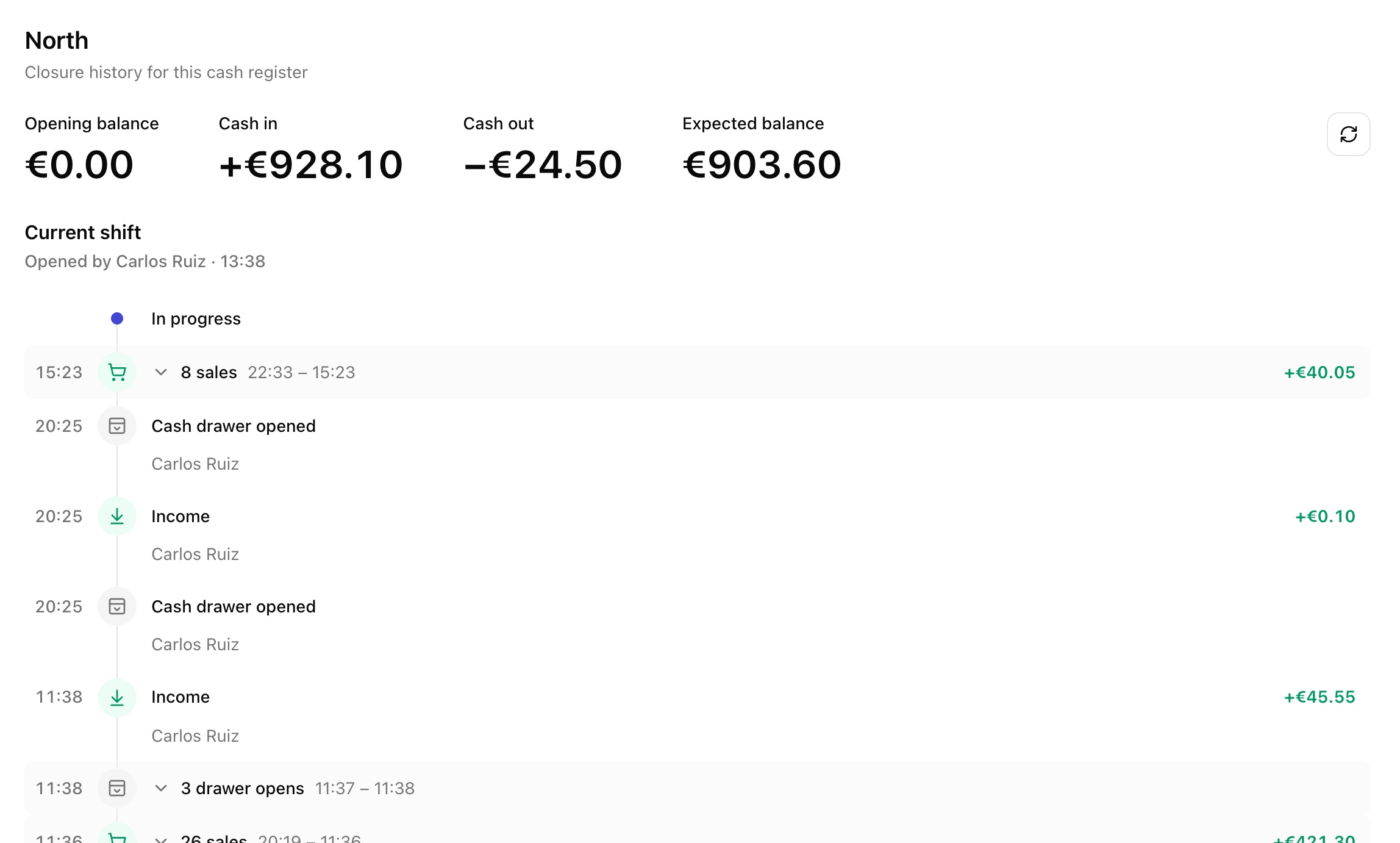
Analytics › Cash drawers lists every drawer with its Location, Status (Open or Closed), Last opened, Balance and Difference. Click a drawer to see its shift: if it is open, the Current shift with its movements; if it is closed, its last closing.
Below, the Snapshot history shows each shift's snapshot with its Expected, Available and Difference amounts. Click a snapshot to open its detail with the totals and the movements; from there you can download it with Export CSV.
Cash differences
A difference between expected and counted cash usually comes from a payment registered with the wrong method or a withdrawal not recorded. Snapshots with a difference show as Unbalanced in the Type column, and their detail lists every movement so you can find it.
Once you know the reason, click Fix cash drawer in the snapshot detail, write the adjustment reason and confirm with Confirm fix. An adjustment is created without changing the original snapshot, which then shows as Fixed.
Was this article helpful?