
Product library and menus
Create items, modifiers and meal deals once and publish them per channel through menus.
Updated on November 21, 2026
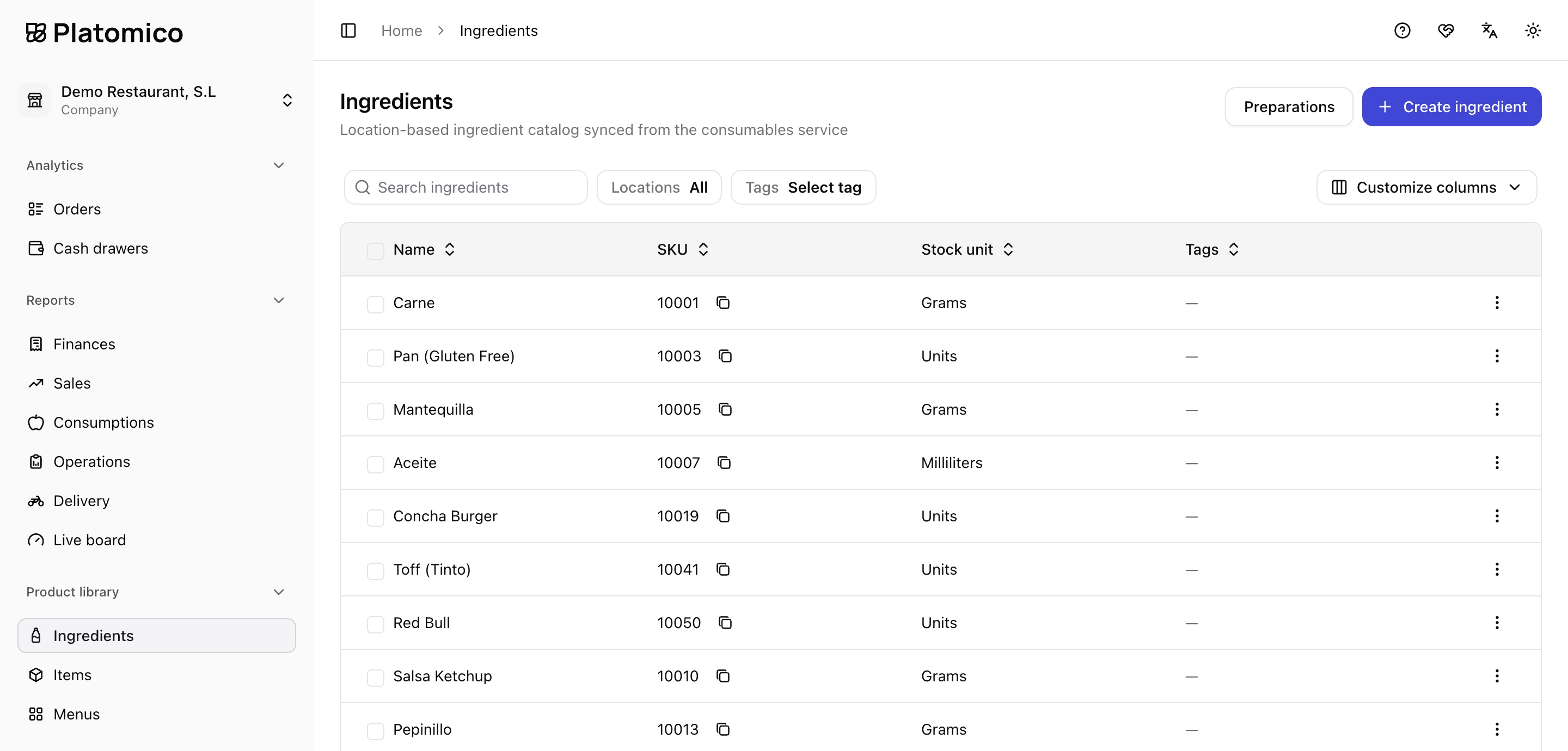
Items, modifiers and meal deals
The Product library holds everything you sell and what you make it with: Ingredients (and their Preparations), Items (with their Modifiers and Combos), Menus and Availability. Create an item once and reuse it in every menu. Discounts live in Marketing › Discounts.
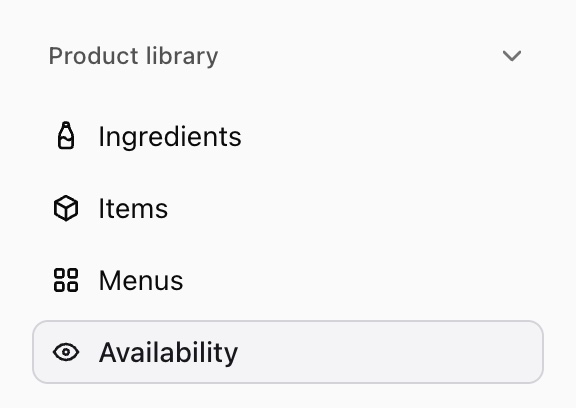
Menus and importing your menu
Menus decide what is sellable on each channel. Open a menu in Product library › Menus to edit it per channel. When you set up your company we look for your menu online with your venue's name and address and copy it into Menus, to start faster. If we don't find it, in Getting started you can upload photos, the PDF or the Excel file of your menu, or paste its link (your website, Glovo, Uber Eats…).
Was this article helpful?