
Designing the Wallet card
Customise the loyalty card your customers keep in Apple Wallet and Google Wallet: colours, logo, banner, fields and balance notice.
Updated on November 16, 2026
What the Wallet card is
Every member of your program has a card they can keep in Apple Wallet (iPhone) or Google Wallet (Android). It shows their balance and a QR code that is scanned at the till to earn and redeem. The card updates itself every time they earn or spend, without the customer doing anything.
There is one design per program. Until you change it, the card is white with our fields.
Seeing how it looks
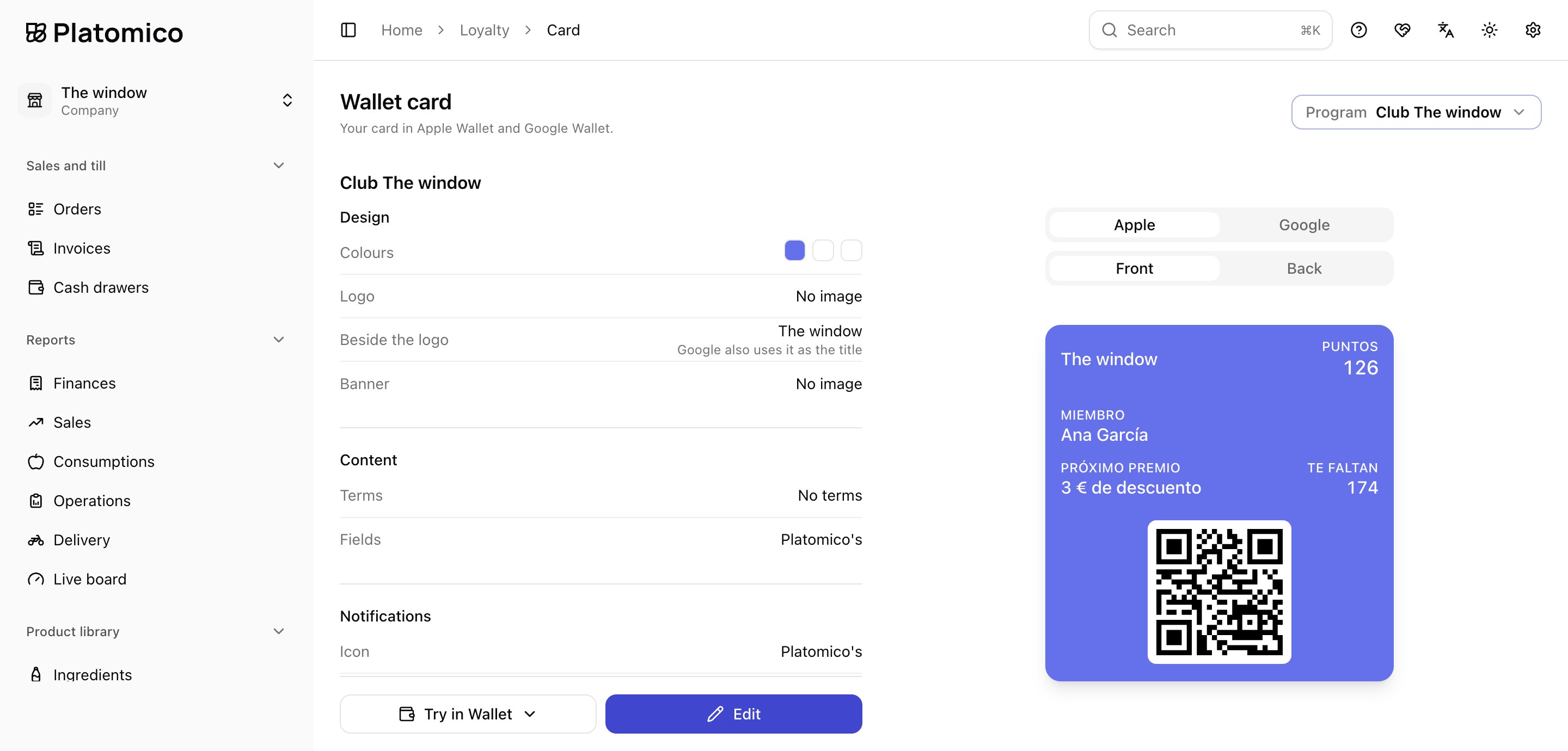
Loyalty › Card shows the card as Wallet draws it, with a sample member, "Ana García". You can switch between Apple and Google, and between "Front" and "Back".
To see it on your own phone, tap "Try in Wallet": it downloads a sample card you can add to your Wallet.
Changing colours, logo and banner
Tap "Edit". The preview stays in view and changes as you edit.
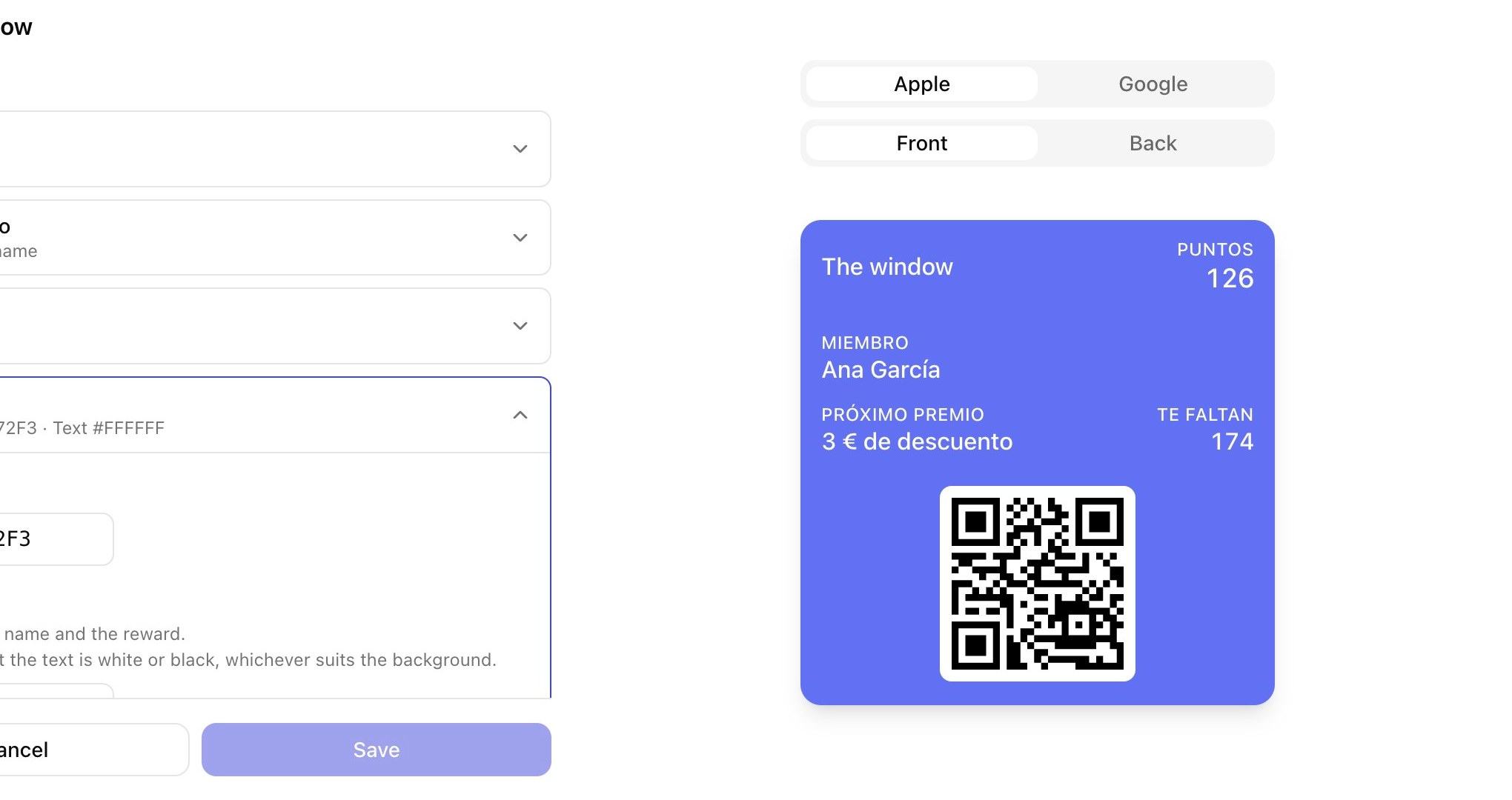
- Colours: the background, the text and, if you like, a colour of their own for the labels. If the text or the labels are hard to read on the background, you see a notice, though you can still save.
- Logo: PNG, JPEG or WebP up to 10 MB, at least 320 pixels wide or 100 tall.
- Banner: the wide image under the logo, at least 750 × 288 pixels. It is cropped at the centre.
- Icon: the one shown in the phone's notifications, at least 58 × 58 pixels. If you upload none, it is made from the logo.
- Beside the logo: your company's name, a text of up to 20 characters or nothing.
- Terms: a text of up to 500 characters for the back.
Choosing what the card shows
In the editor, each piece of the card is a row: where it goes, its label and its text. You can rewrite, move and remove rows, and add others with "Add information". Up to 2 fit beside the logo, 1 over the banner, 4 across the two rows under the banner and 14 on the back.
The text can carry the member's data through "Add data": their name, their balance, the points they need for the next reward, their joining date, your rewards and more. A row only shows on a member's card if they have all the data it uses.
"Back to Platomico's" brings our fields back.
The balance notice
When a member earns or spends points, their iPhone shows them a notice, for example "You now have 120 points". You can write your own text: it must include {balance} once and be up to 120 characters long. It only works in Apple Wallet; Google Wallet writes its own notice.
Was this article helpful?