
Marketing campaigns
Reach customers with broadcasts and automations and keep your sending domain healthy.
Updated on November 2, 2026
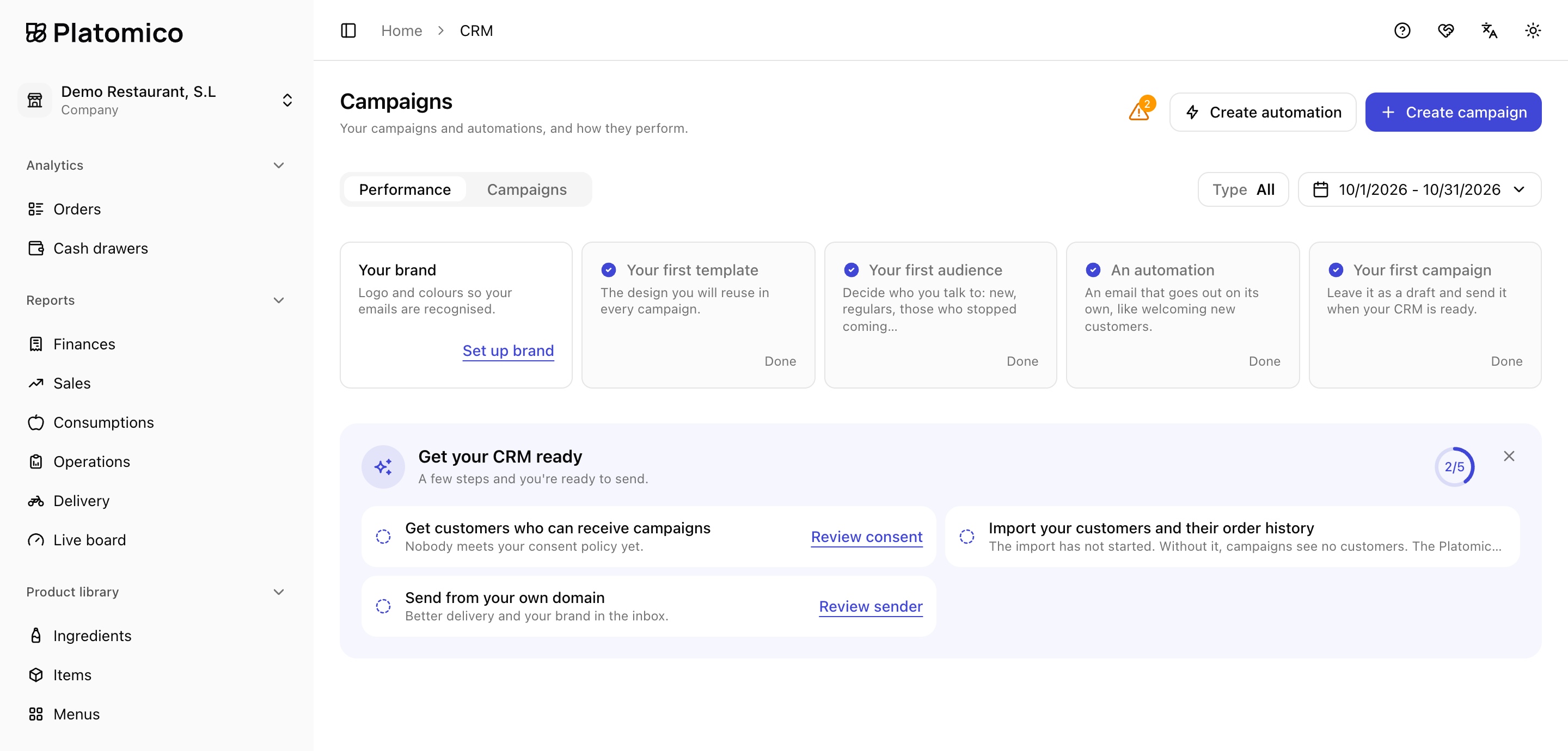
Broadcasts, automations and audiences
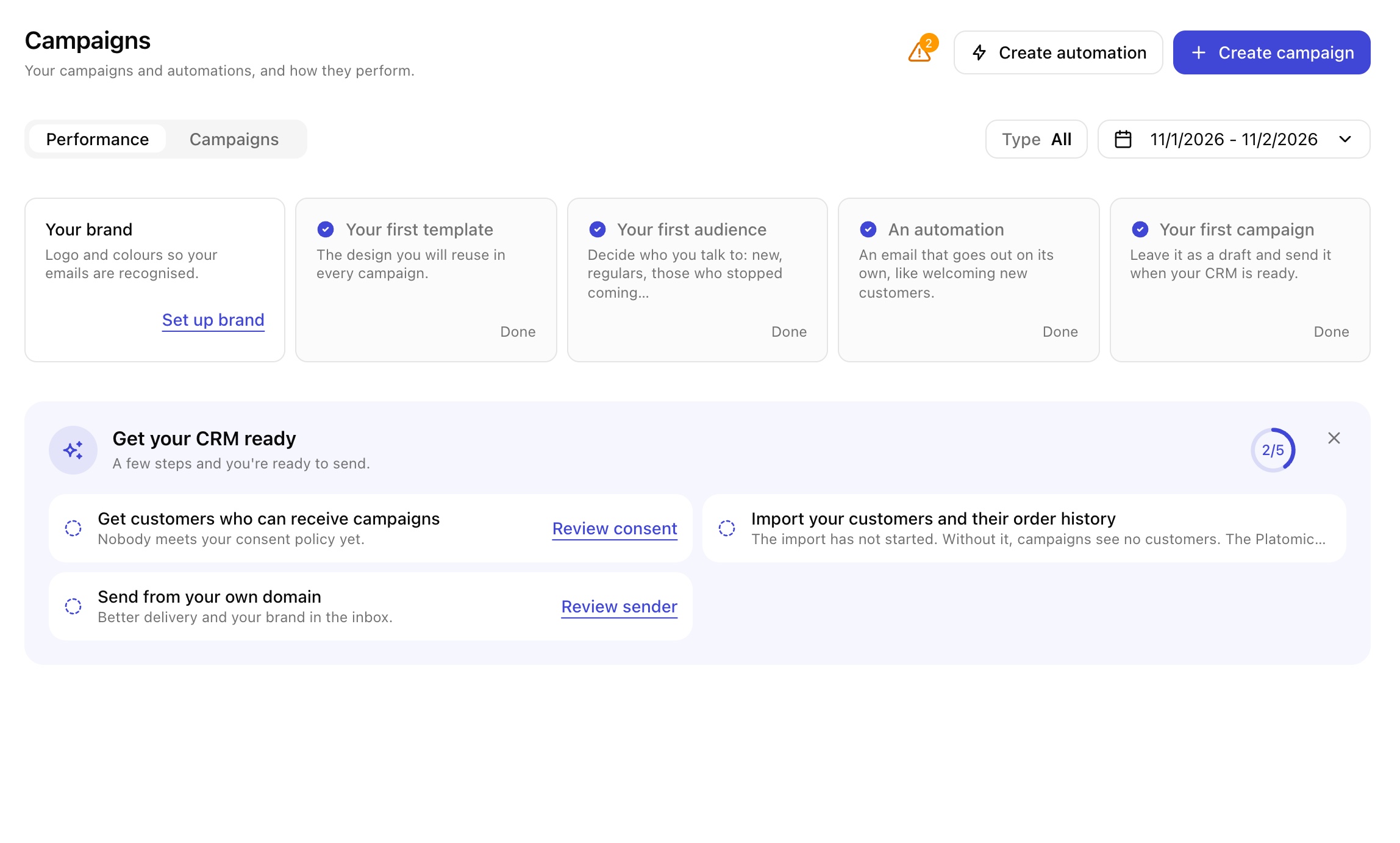
The CRM section of the menu is the customer relationship area: in Audiences you build groups from your customers, in Campaigns you send one-off broadcasts and set up automations, and in Email templates you design reusable templates. In CRM › Campaigns, the "Performance" view shows the real open rate, clicks and sales for the period, and "Sends in the period" lists every campaign and automation that sent.
Sending domain and deliverability
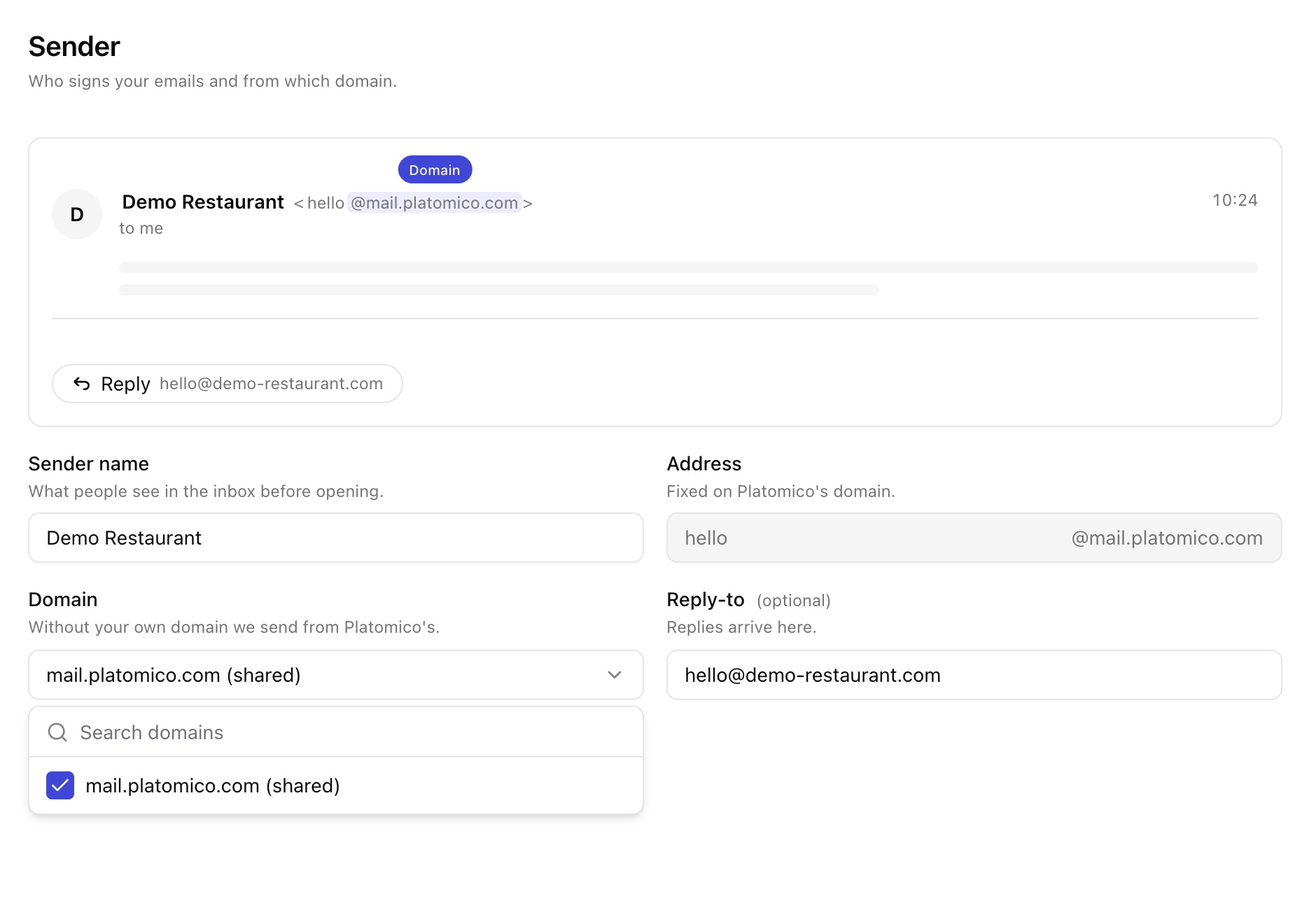
Before sending from your own domain, add and verify it in CRM › Sender: copy the DNS records into your provider and press "Verify DNS". The "Deliverability" card in the "Performance" view shows whether your messages are reaching inboxes; "See deliverability" opens the details.
Was this article helpful?